Intelligence for the business of creativity
Timmy is the system of record for studios, agencies and brands connecting teams, projects and financials in one place, so everyone sees what’s happening in real time, making better calls, keeping work moving and protecting margins.
timmy.io
 ProjectsDashboardReports
AL
TRUSTED BY TEAMS AT








Timmy helps great work get made.

Instacart
Instacart Beauty
Instacart
Instacart Beauty

Airbnb
We Accept
Airbnb
We Accept

Webflow
If Life Were Like Web Design
Webflow
If Life Were Like Web Design

Zapier
Wizards
Zapier
Wizards

X
NFT PFP
X
NFT PFP
Facebook
Closer
Facebook
Closer

Gametime
Last-Minute Concert
Gametime
Last-Minute Concert

Panasonic
Getting Started
Panasonic
Getting Started

Vespa
Vespamania
Vespa
Vespamania

Logitech
Roam Free
Logitech
Roam Free


$
426
M
in production budgets
managed
managed
6592
Won and active projects
90
+
%
Customer retention
95
%
Connected production
and financial workflows
and financial workflows
ABOUT US
Your ideas are big. Your blind spots shouldn’t be.
Every production generates a wealth of data. Schedules, bids, actuals, margins, people. But when that data lives across disconnected tools, the intelligence gets lost. Timmy brings it together in real time, giving creative teams the insight to see what’s happening, make better calls and keep work moving.
What Timmy does for you.
PLATFORM

Workflow
One connected system from pitch to wrap.
Bring tasks, files, status, and key project details into one workflow. See what’s moving, what needs attention, and what comes next.
Project List & Kanban
•
Sub-Projects
•
Automated Filing
•
Version History
Workflow

Collaboration
Keep everyone on the same page.
Bring conversations, decisions, status, and tasks together around each project, giving everyone the same source of truth without chasing updates.
Slack
•
Timmy Chat
•
Notes
•
Status
•
Tasks
•
Notifications
Collaboration

Bidding & Forecasting
Build the bid. See where it leads.
Create production-ready estimates and forecast costs before the work begins. As scope and staffing change, see the effect on budget and projected margin.
Bids & Estimates
•
AICP Templates
•
Budget Projections
•
Margin Forecasting
Bidding & Forecasting

Resource Management
Put the right people on the right work.
See capacity in real time. Balance workloads. Make staffing decisions grounded in reality, not gut.
Capacity Planning
•
Workload Balance
•
Staffing
•
Availability
Resource Management

Scheduling
Stop reacting. Start anticipating.
Track milestones, assignments, and timing in one place. Adapt when production changes and keep everyone moving.
Milestones
•
Project Schedules
•
Assignments
•
Calendar Views
Scheduling

Real-Time Actuals
Know where the money is, before it’s gone.
Timmy captures true costs against budget as work happens, so margin risk surfaces while there’s still time to act and the wrap report stops being a surprise.
Time Tracking
•
Budget vs. Actual
•
Job Cost Capture
•
Wrap Reports
Real-Time Actuals

Financials & Reporting
See what every job adds up to.
Turn project financials into a clear view of performance across the business. Spot margin risk, see patterns across your portfolio, and make the call while there’s still time to act.
Margin Visibility
•
Project Performance
•
Portfolio Analytics
•
Financial Reporting
Financials & Reporting
INTEGRATIONS
Keep the tools you love.
Timmy gets them talking.












Up and running in days, not months.
GETTING STARTED

STEP 1
We get you set up
We walk your team through setup and connect Timmy to the tools you already use.
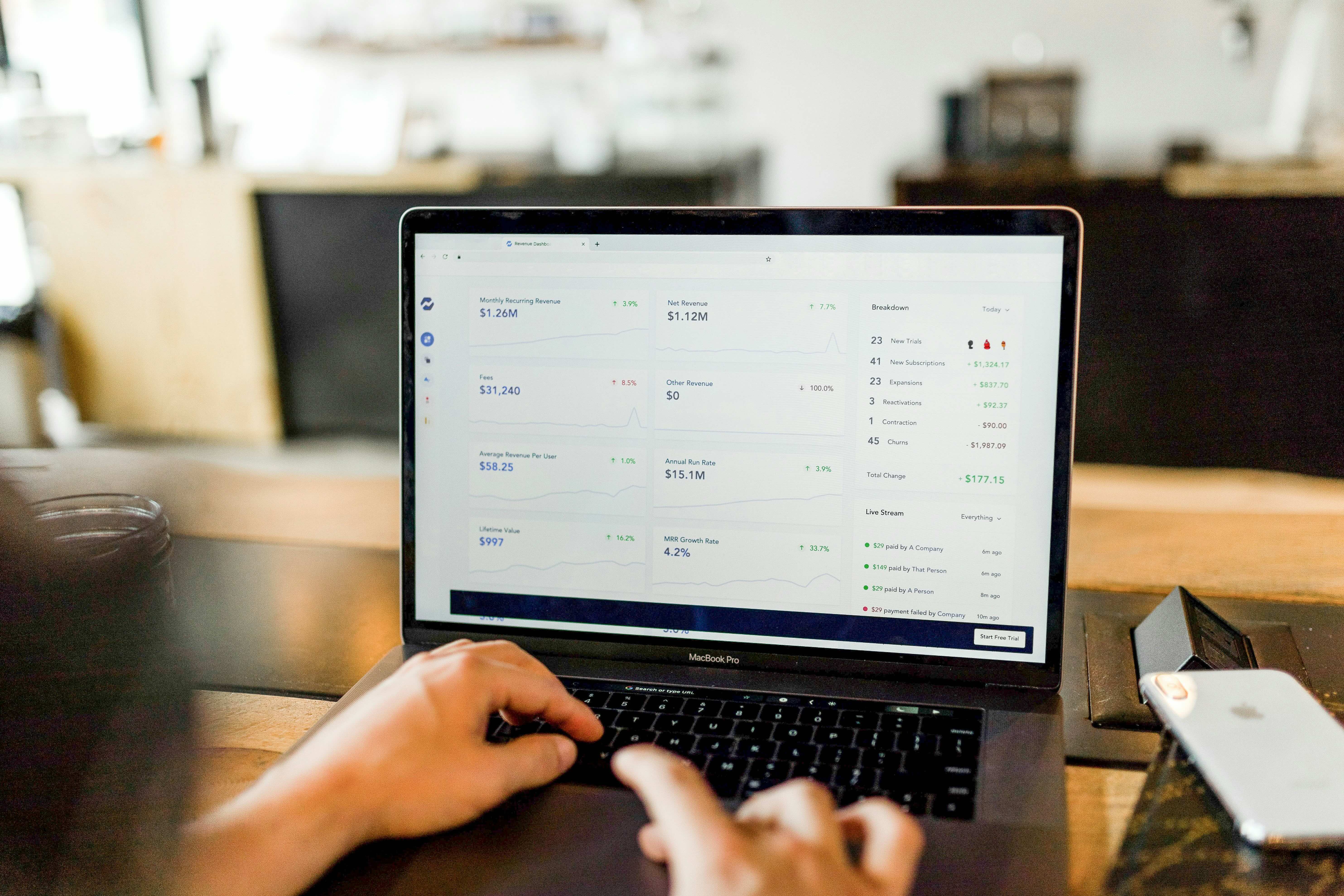
STEP 2
Load existing projects
Bids, schedules, budgets, team. Everything is all in one place, from day one of the project.
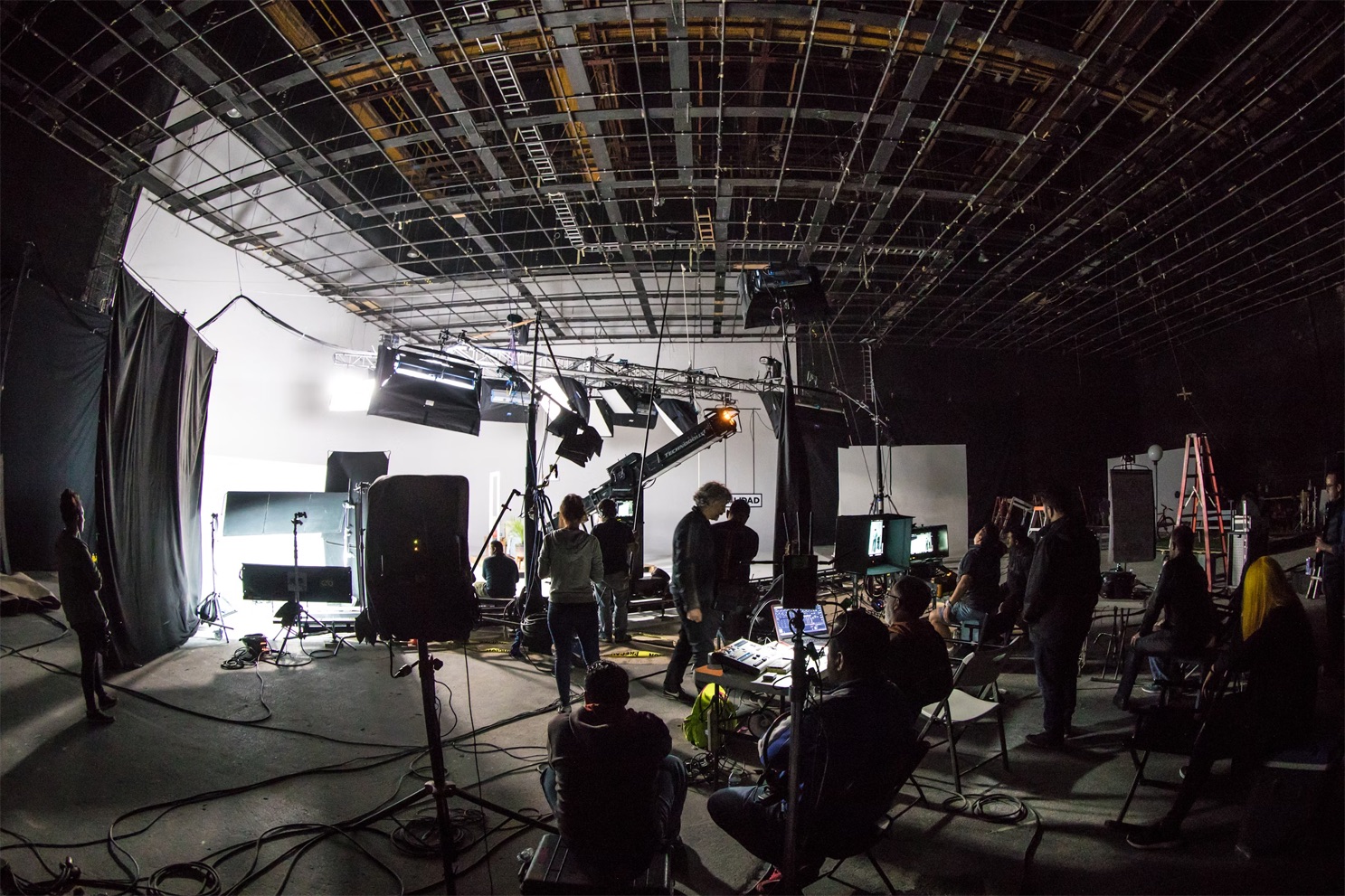
STEP 3
You run production
Real-time actuals, resourcing, approvals. No more hunting for the latest.
STEP 4
You wrap with clarity
Actuals are in. Reports are ready. You know where the margin landed and nothing falls through the cracks.

Good things from the teams making good things.
Versus
"Our entire production team is happy with how easy Timmy is to use - it's not uncommon to hear someone say 'Thank God for Timmy!'"
Kathryn Henderson
Director of Creative Operations

Amodeo Creative
"We've been able to stay more organized and on top of our projects' financials since using Timmy."
Lauren Gould
Executive Producer

Mekanism
"We are now able to handle project tracking, budgeting, and resource allocation all from the same tool."
Martin Risberg
Supervising Producer

Compadre
"By unifying these systems into one platform, Timmy gives our teams the tools they need to keep up with growth."
Chuck Carey
CFO

Los York
"Designed BY people from the production world, FOR people in the production world - and it shows."
Tita Poe
Executive Producer

eightyfive
"Timmy has been a true lifesaver. From technical support to program functionality - it's the full-on package we need to run our production studio."
Joel Berroteran
Owner

The Community
"It's the closest thing to a crystal ball when it comes to future planning for staffing and day-to-day allocations. A game changer for us."
Tracy Urquhart
VP, Resource Management & Talent Operations

Argonaut
"Schedules, resources, finances - all seamlessly connected to each other, allowing me full control of it all."
Jim Vaughan
Executive Producer

Pricing for the way you work.
Power User
$75 / user / mo
For producers, EPs, and anyone running the work day to day.
Artist Pass
$20 / user / mo
For crew and talent who need to track time and stay connected.
Daily Pass
$5 / day
For productions that need Timmy on a job-by-job basis.
Studio Fee
$500 one time
A single setup fee to get your studio up and running.
FAQ
Good questions.